
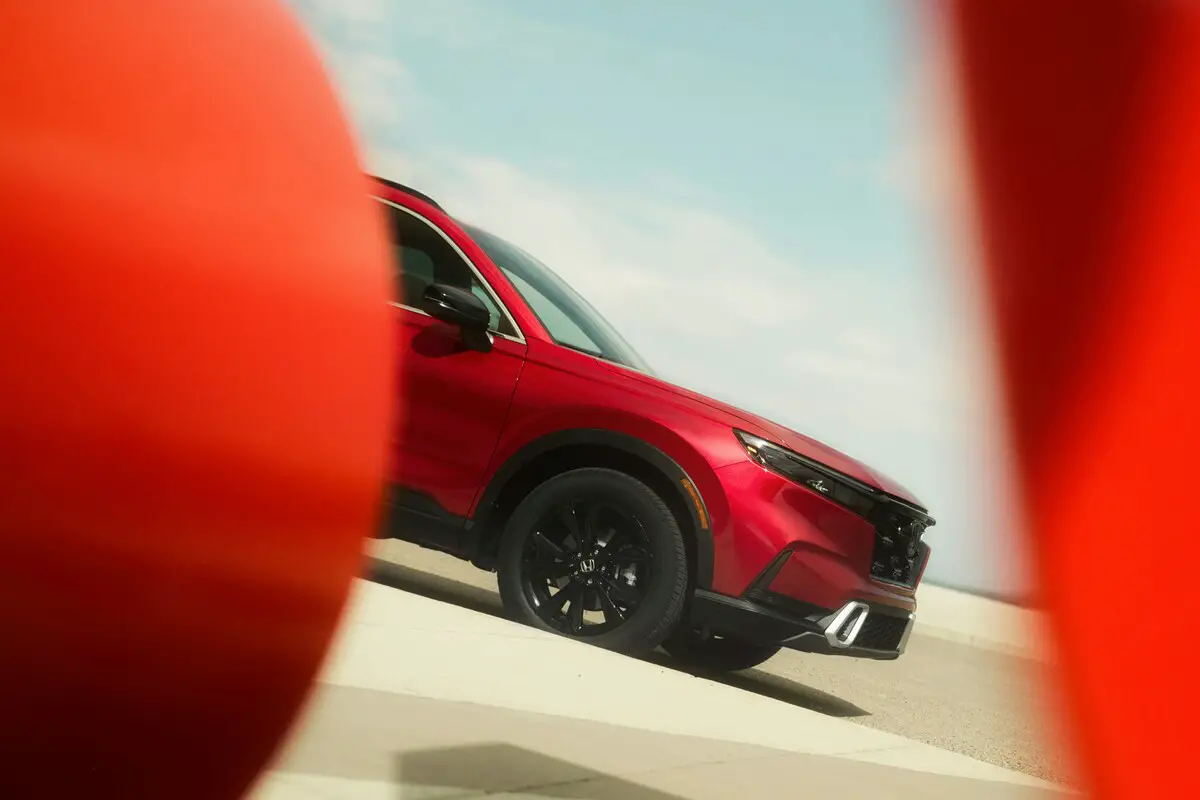
The Honda CRV has become one of the most popular SUVs on the market, known for its reliability, functionality, and sleek design.
However, some owners have experienced an issue with their vehicle’s screen turning black. In this section, we will discuss the possible causes of a black screen in your Honda CRV and how to fix it.

Why is Honda CRV Screen Black
There are several reasons why your Honda CRV screen may turn black. Some of these reasons include:

Best Bluetooth OBD2 Scanner
Detect 39,000+ Issues With Enhanced Codes. Save $1000s on car repairs & buying used vehicles by diagnosing problems yourself.
Shop on AmazonFaulty Display Unit
The display unit, also known as the head unit, is responsible for controlling the screen. If this unit malfunctions or gets damaged, it can result in a black screen.
One of the signs of a faulty display unit is that your screen may go completely black or show distorted images. You may also experience issues with touch responsiveness, such as the screen not registering your input.
There are a few reasons why the display unit in your Honda CRV may become faulty. One common cause is water damage, which can occur if liquid spills onto the unit or if there is condensation buildup inside the vehicle.
Another reason could be wear and tear over time, especially if you frequently use your screen for navigation or entertainment purposes.
If you suspect that the display unit is the cause of your black screen issue, there are a few troubleshooting steps you can try.
First, make sure that all cables and connections to the unit are secure and not damaged. If everything appears to be in good condition, you may need to reset the unit by disconnecting the car battery for a few minutes and then reconnecting it.
Loose Connections
Another possible cause of a black screen on your Honda CRV could be loose connections between the display unit and its components. Over time, these connections can become loose due to vibrations from driving or simply from regular use.
The most obvious sign of loose connections is intermittent screen blackouts. You may notice your screen flickering or going black for a few seconds before returning to normal. In some cases, the screen may go completely black and not turn on at all.
There are a few reasons why the connections between the display unit and its components may become loose. One reason could be improper installation or maintenance, which can result in the connections not being secure enough.
Another reason could be damage to the connectors themselves, either from wear and tear or from water damage.
Additionally, if the vehicle experiences strong vibrations or rough driving conditions, this can also cause the connections to become loose over time.
To troubleshoot loose connections, you can try gently pressing on the connectors to see if the screen flickers or goes black. If this is the case, then securing the connections may fix the issue.
However, if the problem persists, it may require a professional to inspect and repair any damaged connectors or wiring.
It’s important to regularly check and maintain your vehicle’s electronic components to prevent loose connections from causing issues with your Honda CRV screen. Taking care of these small maintenance tasks can save you from costly repairs in the long run.
Software Glitches
Like any other electronic device, the software on your Honda CRV’s display unit may encounter glitches or bugs that can lead to a black screen.
If your screen suddenly goes black, freezes, or displays error messages, it may be a sign of software glitches. These issues can occur due to outdated software, incompatible updates, or even malware.
One of the main reasons for software glitches in your Honda CRV screen is outdated software. As technology advances, updates are constantly released to fix bugs and improve performance. If you do not regularly update your vehicle’s software, it may lead to glitches or malfunctions.
Another reason could be incompatible updates where a new update may not be compatible with the existing software on your display unit. This can cause conflicts and result in a black screen or other issues.
Additionally, downloading malicious files or visiting suspicious websites can also introduce malware that can disrupt the functioning of your screen.
If you suspect that software glitches are the cause of your Honda CRV screen not working, there are a few troubleshooting steps you can take.
First, try restarting your vehicle’s display unit by turning off the car and then turning it back on after a few minutes. If that does not solve the issue, check for any available updates for your display unit and make sure to install them. You can also try clearing the cache or resetting the system to its factory settings.
Physical Damage
Another common reason for a malfunctioning Honda CRV screen is physical damage caused by accidents or impacts.
Physical damage can range from cracked screens to damaged internal components. A cracked or shattered screen is usually visible and can significantly affect the display quality and touch sensitivity.
Impact damage, such as dropping the device or hitting it against a hard surface, can also cause internal components to become loose or disconnected.
One of the most obvious symptoms of physical damage to a Honda CRV screen is a cracked or shattered display. This can affect the visibility and touch sensitivity of the screen, making it difficult to use.
Another sign of physical damage is if the screen has become unresponsive or glitches frequently, even after trying basic troubleshooting steps like restarting the device.
In some cases, there may also be visible dents or scratches on the exterior of the display unit indicating impact damage.
If you suspect physical damage to be the cause of your Honda CRV screen not working, there are a few troubleshooting steps you can try.
First, inspect the exterior of the display unit for any visible signs of damage such as cracks or dents. If the screen is cracked, it may need to be replaced by a professional.
You can also try gently pressing on different areas of the screen to see if there are any loose components that may need to be reconnected. In some cases, resetting the system to its factory settings or clearing the cache can help resolve issues caused by physical damage.
However, if the screen is completely unresponsive or severely damaged, it may be necessary to take the device to a certified technician for repairs.
Water Damage
Water damage can also cause the Honda CRV screen to malfunction.
Exposure to water can cause irreversible damage to electronic components, including the display unit on your Honda CRV. Even small amounts of liquid, such as spills or condensation, can seep into the device and cause corrosion or short circuits. Signs of water damage may include a flickering screen, unresponsive touch commands, or complete failure to turn on.
If you suspect water damage to be the cause of your Honda CRV screen not working, it is important to act quickly. The first step is to power off the device and remove any external components, such as a case or charger.
Next, try drying the device with a soft cloth and placing it in a bag of uncooked rice for at least 24 hours. This can help absorb any remaining moisture. If the screen is still not working after this process, it may need to be professionally repaired or replaced.
Blown Fuse
In some cases, a blown fuse can be the culprit behind a black screen. A blown fuse can occur due to a power surge or faulty wiring.
A blown fuse can cause the Honda CRV screen to suddenly go black. This is often accompanied by a loss of power to other electrical components in the vehicle, such as the radio or lights. If you notice these symptoms along with a black screen, it is likely that a fuse has blown.
A blown fuse in a Honda CRV can occur due to various reasons, including a power surge from jump starting the vehicle, faulty wiring, or simply age and wear.
Replacing a blown fuse is a relatively simple fix for a black screen on your Honda CRV. First, consult your vehicle’s manual to locate the fuse box and identify which fuse controls the display unit. Then, carefully replace the blown fuse with a new one of the same size and rating.
If you are unsure or uncomfortable performing this task, it is best to consult a professional mechanic for assistance.
It is also important to note that repeatedly blowing fuses may indicate an underlying electrical issue, which should be addressed by a professional.
People Also Asked
How do I reset my Honda CR-V screen?
If simply replacing the blown fuse does not solve the issue, you may need to reset your Honda CR-V screen. This can be done by disconnecting the negative terminal of the car’s battery for a few minutes and then reconnecting it.
This will reset all electrical systems in the vehicle, including the display unit. If this does not work, it is best to consult a professional for further troubleshooting.
Additionally, follow the steps below;
- Turn off your Honda CR-V and remove the key from the ignition.
- Locate the audio fuse in the fuse box, usually under the dashboard or near the driver’s side door.
- Remove the fuse with a pair of needle-nose pliers or a fuse puller tool.
- Wait for at least one minute before reinserting the fuse back into its slot.
- Start your vehicle and check if the display unit is working properly.
Honda CRV screen black after reset
If your Honda CR-V screen is still not working, it is possible that the issue lies with the display unit itself. In this case, it may need to be replaced by a professional mechanic or at an authorized dealership.